Most small business websites already have an FAQ page, or at least plan to. So when an AI chatbot comes up, a fair question is: do you need both? Isn't a good FAQ page enough?
The honest answer: an FAQ page and a chatbot do different jobs. And the best setup usually uses your FAQ page to power the chatbot.
What an FAQ page does well
- It's free and fully under your control. You write every word.
- Google can read it. A clear FAQ page can bring visitors from search, and good answers can even appear in search results.
- It's quick to scan. Visitors who like to read can find answers on their own.
- It never makes anything up. It says exactly what you wrote.
Where an FAQ page falls short
- Many visitors don't look for it. They'd rather ask than scroll a long list.
- It can't combine answers. "Do you deliver to my area on Sundays, and can I pay by card?" might be three separate FAQ entries.
- It only speaks one language, unless you write it several times.
- It can't act. It can't book an appointment, take a name and number, or bring in a person.
- It's open 24/7, but it can't follow up. If the answer isn't there, the visitor leaves.
What an AI chatbot adds
A good AI chatbot answers the question the visitor actually asked, in their own words and language, by combining what's on your website. It can book a call, collect contact details, and hand the conversation to you when it needs a person.
It has its own weaknesses: it needs testing, it needs good content to learn from, and a poorly built one can guess. That's why it matters to choose one that answers only from your content, shows its sources, and says when it doesn't know.
Side by side
| FAQ page | AI chatbot | |
|---|---|---|
| Cost | Free | Free plan to about $50 a month for a small business |
| Answers in the visitor's own words | No | Yes |
| Combines several answers | No | Yes |
| Other languages | Only if you translate it | Yes, automatically |
| Books appointments, takes details | No | Yes |
| Helps your Google rankings | Yes | Not directly |
| Hands over to a person | No | Yes |
| Can be wrong | Only if you wrote it wrong | If it guesses: choose one that doesn't |
The best answer: use both, and connect them
The two work best together:
- Keep a clear FAQ page. Write the ten to twenty questions customers ask most, with short, specific answers. It helps visitors who like to read, and it helps your Google rankings.
- Let the chatbot learn from it. A chatbot that reads your website learns your FAQ page along with everything else, so your answers stay consistent.
- Use the chatbot to find gaps. The questions it can't answer show you exactly what's missing from your FAQ page.
- Update both together. When you add an answer, add it to the FAQ page. The chatbot picks it up the next time it refreshes your website.
How to write an FAQ page that works for both
- Use your customers' words for the questions: "Do you deliver on Sundays?", not "Delivery policy".
- Answer in the first sentence, then add detail.
- Be specific: real prices, real hours, real areas.
- One question per entry, so each answer stands on its own.
- Keep it current. An out-of-date answer is worse than none, on a page or in a chat.
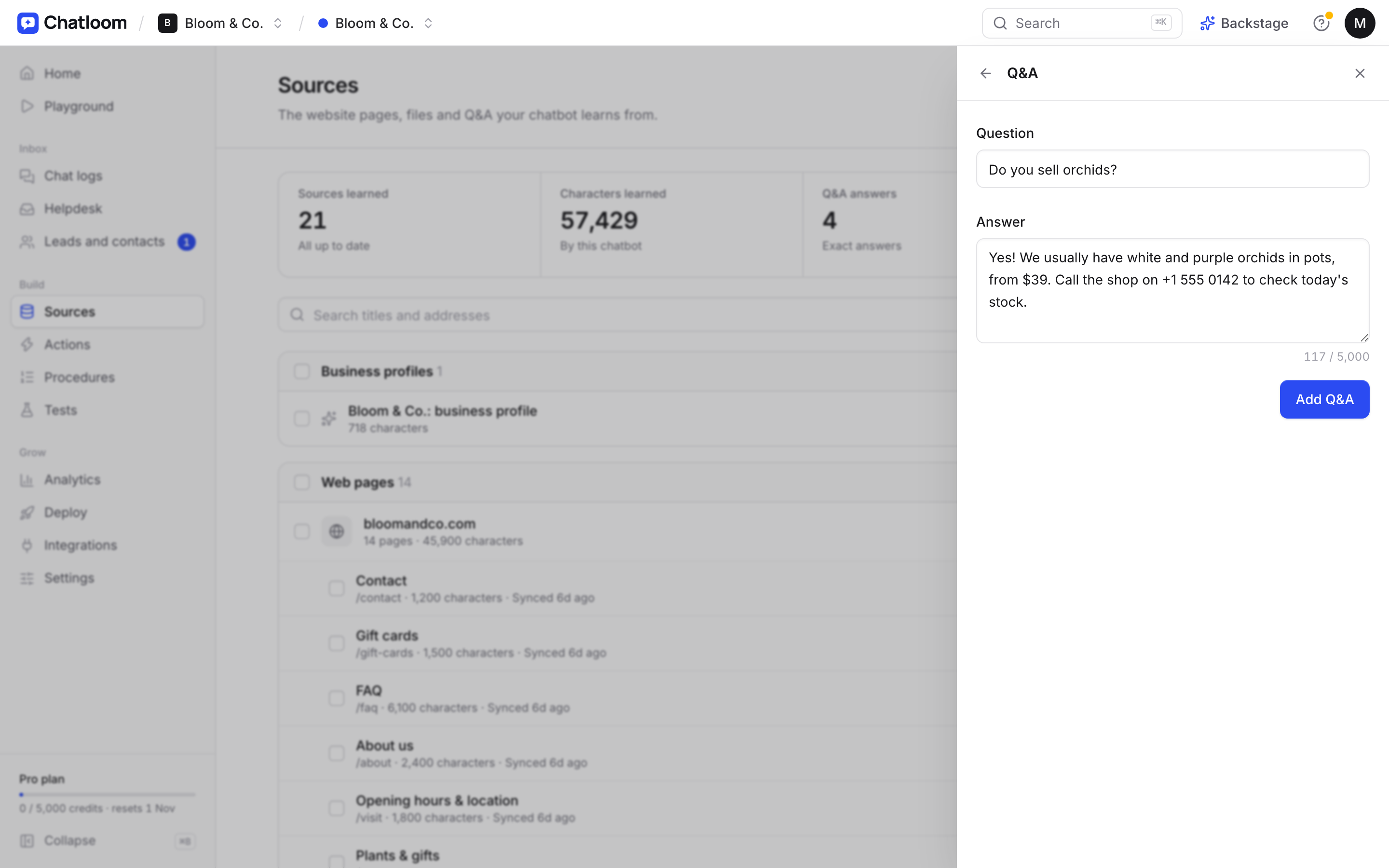
Want to see what your FAQ answers look like in a chat? Our guide on how to train an AI chatbot on your website shows how to turn them into answers it can use.
Questions
Does a chatbot replace an FAQ page?
No. Keep both. The FAQ page helps visitors who prefer to read and helps your Google rankings; the chatbot answers visitors who prefer to ask, and it can learn from your FAQ page.
Will a chatbot hurt my SEO?
No. A chat bubble doesn't change your pages' content. Your FAQ and other pages still do the work in search, and the chatbot helps the visitors who arrive.
How many FAQs should a small business have?
Start with the ten to twenty questions you're asked most often. Then look at what customers ask your chatbot that it can't answer, and add those.