If you run a small business, you probably answer the same questions every day. "What time do you close?" "Do you deliver to my area?" "Where's my order?" Each one takes a minute, but together they eat hours a week, and the important emails get buried.
The good news: most repeat questions can be prevented. Here are nine practical ways to cut them, roughly in the order we'd do them.
1. Find your ten most common questions
You can't fix what you haven't counted. Open your inbox (and messages, and call notes) from the last month and tally the questions that came up more than once. Most small businesses find that a handful of questions make up most of their support email.
Write them down in your customers' words. This list drives everything else below.
2. Answer them where customers look
Customers ask because they couldn't find the answer quickly. Put each answer where the question comes up:
- Delivery and returns on product pages and at checkout, not only on a policy page.
- Opening hours and location in your website's header or footer.
- Prices on the service page, or at least a "from" price.
3. Write clear policies, in plain words
Vague policies create emails. "Returns accepted within a reasonable time" invites questions; "Return unworn items within 30 days for a full refund" doesn't. Rewrite your delivery, returns, cancellation and payment policies so each one answers the question in its first sentence.
4. Send the information before they ask
Many emails are about something that just happened. Add the answers to your automatic emails:
- Order confirmations: when it ships, how to track it, how returns work.
- Booking confirmations: the address, parking, what to bring, how to reschedule.
5. Let customers book and change appointments themselves
"Can I book for Tuesday?" and "Can I move my appointment?" are two of the most common emails for service businesses. An online booking page (Cal.com and Calendly are popular) lets customers do it themselves, at any hour.
6. Keep a short, honest FAQ page
Put your top ten to twenty questions on one page, with specific answers. It helps customers who like to read, and it helps Google show your answers in search. (We compared it with a chatbot in AI chatbot vs FAQ page.)
7. Add an AI chatbot that answers from your content
An FAQ page only helps visitors who find it. An AI chatbot answers the question the visitor actually asked, in their own words and language, the moment they ask it, including at night and at weekends. Choose one that answers only from your own website, shows its sources, and hands over to a person when it isn't sure.
Chatloom, for example, learns from your website, answers day and night, and hands the chat to you on WhatsApp, phone, email or live chat when needed. Our step-by-step guide shows how to set one up in an afternoon.
8. Use saved replies for what still arrives
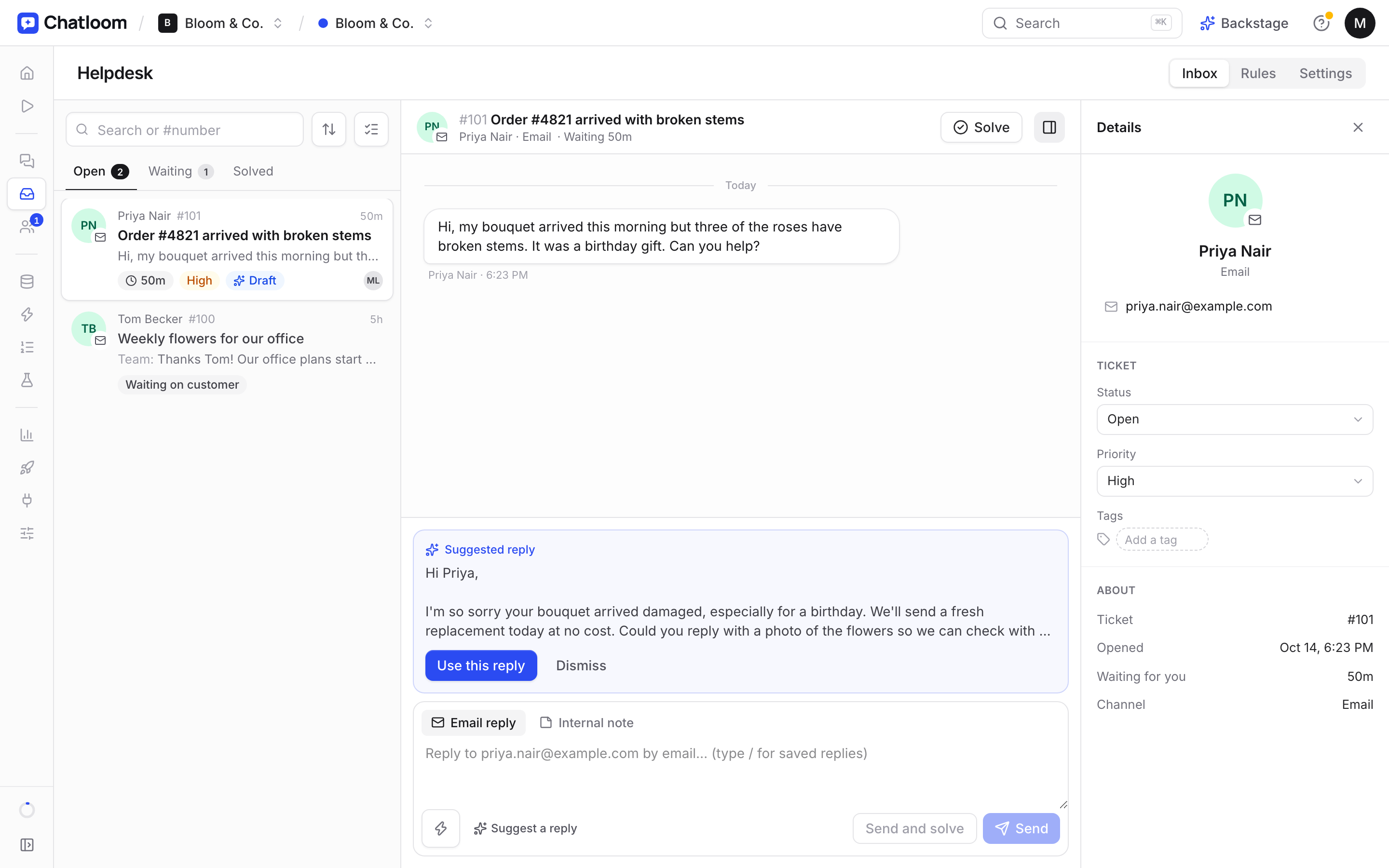
Some emails will always need a person. For those, keep saved replies (templates) for your most common answers, so you only personalise the first line. If several people answer emails, a shared inbox or helpdesk stops two people answering the same message.
9. Review it every month
Once a month, spend ten minutes looking at what people still ask. Which questions keep arriving? Which ones did your chatbot or FAQ page fail to answer? Add those answers to your website, and the next month's list gets shorter.
Where to start this afternoon
If you only have an hour: count your top ten questions (tip 1), put the answers on the right pages (tip 2), and add them to your confirmation emails (tip 4). Those three alone usually make a noticeable dent in your inbox.
Questions
What's the fastest way to reduce support emails?
Count your most common questions, then put the answers where customers look for them: product pages, checkout and confirmation emails. It costs nothing and often has the biggest effect.
Will an AI chatbot replace my support team?
No. It handles the repeat questions so your team can focus on the ones that need a person. A good chatbot hands those over, on WhatsApp, phone, email or live chat.
How do I know which questions to fix first?
Start with the ones that arrive most often. If you use a chatbot, its list of questions it couldn't answer is a ready-made to-do list.